
Minimalist desk setup ideas
Six approaches to a workspace that earns every object on it — from the laptop-only setup to the fully wireless desk. The principles that connect them, the gear that survives the cull, and what gets in the way.
A minimalist desk isn't the one with the fewest objects. It's the one where every object earns its place. The setup that gets called minimalist for owning two things isn't disciplined — it's underequipped.
Real minimalist desks have the same core gear as any other setup: a laptop or desktop, a monitor, a comfortable keyboard and mouse, good light, and a small notebook and pen for quick notes. A minimal desk setup includes only essential items. What changes is how visible each piece is, how the pieces relate to each other, and how much friction the surface adds to actual work. Minimalist designs focus on functionality and simplicity — not absence.
I hate to admit it — I'm a messy person by default. I've had to fight for every clean surface in my life. But the difference between a cluttered desk and a clean one isn't subtle: when the desk is composed, I work faster, focus longer, and feel less of that low-grade tension that comes from being surrounded by things I haven't dealt with.
This guide covers six minimalist setup styles that consistently work, the five principles that make any of them succeed, and the gear that earns its place. Each style trades something for something else — pick the one that fits your work, your room, and the level of discipline you'll actually commit to.
What actually makes a desk minimalist
The six styles below look different, but they're built on the same five rules. Get these right and any of the styles works. Skip one and even the most expensive setup ends up looking accumulated.
- 01
Every object earns its place
The test isn't “does this look minimalist” — it's “will I use this within the next 7 days?” If no, it doesn't belong on the surface. Sort items into three groups: keep, store, or toss. Put back only what you use every day. Everything else lives in a drawer.
- 02
Surfaces stay uncluttered
The desk's value is in its empty space, not its objects. A minimalist desk feels generous because there's room to set down a coffee, spread a notebook, or work on something physical. Wipe down the surface to notice a big difference — the cleanest desks aren't the most expensive, just the most maintained.
- 03
Materials repeat, not multiply
One wood, one metal, one fabric. Mixed metals and mixed materials are the silent killer of minimalist intent — they read as accumulated rather than chosen. The cleanest setups limit themselves to two or three materials total and let the textures (rather than the variety) do the visual work.
- 04
Cables disappear
The biggest visual giveaway of a non-minimalist desk is the tangle behind the monitor. Cable management clips help keep the desk tidy. Wireless peripherals eliminate visible cords for keyboard, mouse, and audio. Use a drawer or small organizer for cables and supplies you do need but don't want on display.
- 05
Daily reset, not deep clean
Do a quick reset at the end of each workday — chair pushed in, peripherals stowed, papers cleared, surface wiped. The setup that resets nightly stays minimalist for years; the one that doesn't accumulates within weeks. Sixty seconds at the end of the day saves an hour at the end of the month.
Six minimalist setups that consistently work
Each style trades something for something else. The right one is the one that matches how you actually work — not the one that photographs best.
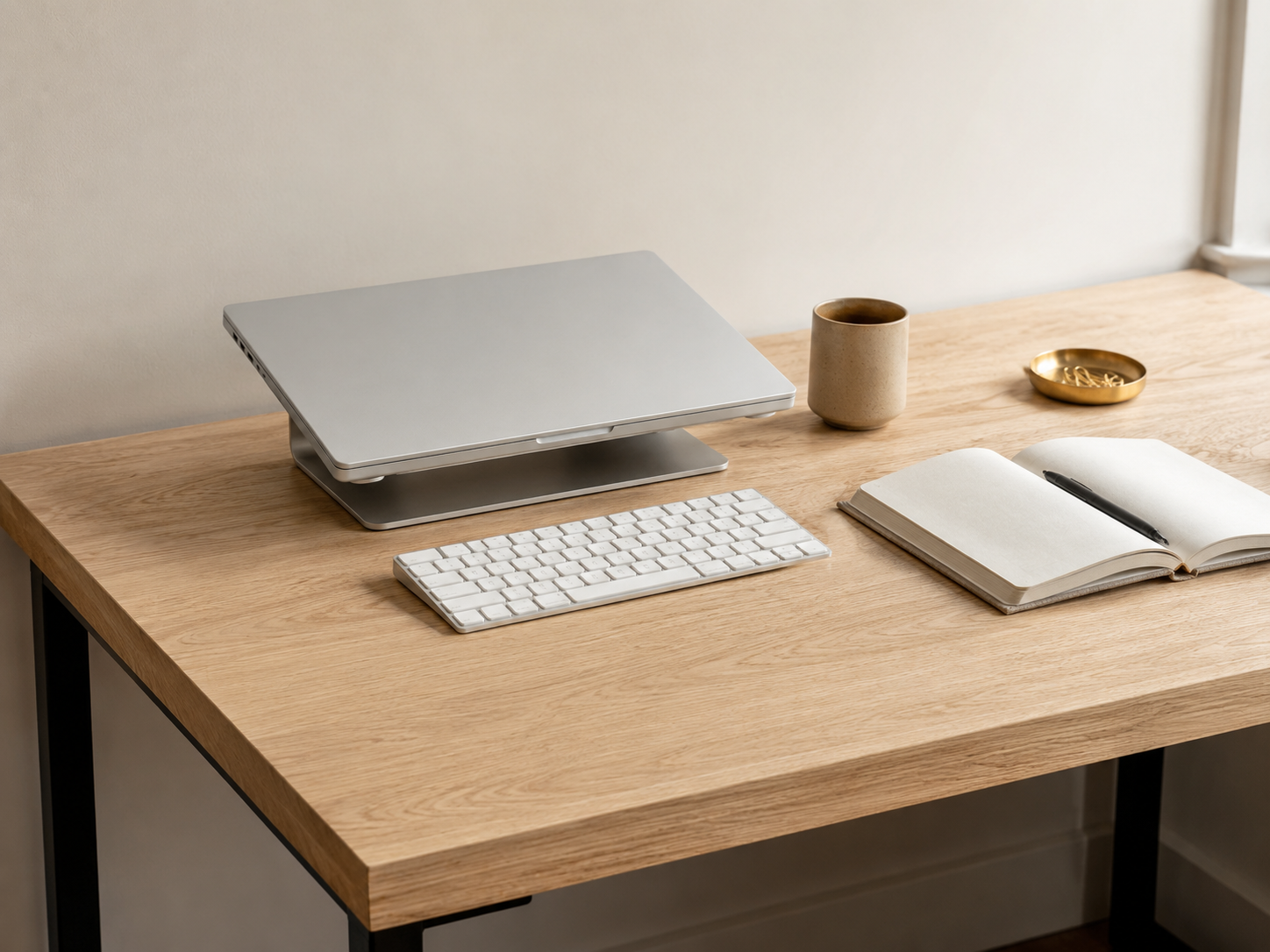
Laptop-Only Setup
The purest form. A laptop, a charger, maybe a wireless mouse. That's it. A laptop-only setup can maximize desk space, making it ideal for students, remote workers, and anyone who moves between locations. Works on a compact desk, a kitchen table, or near a window for natural light.
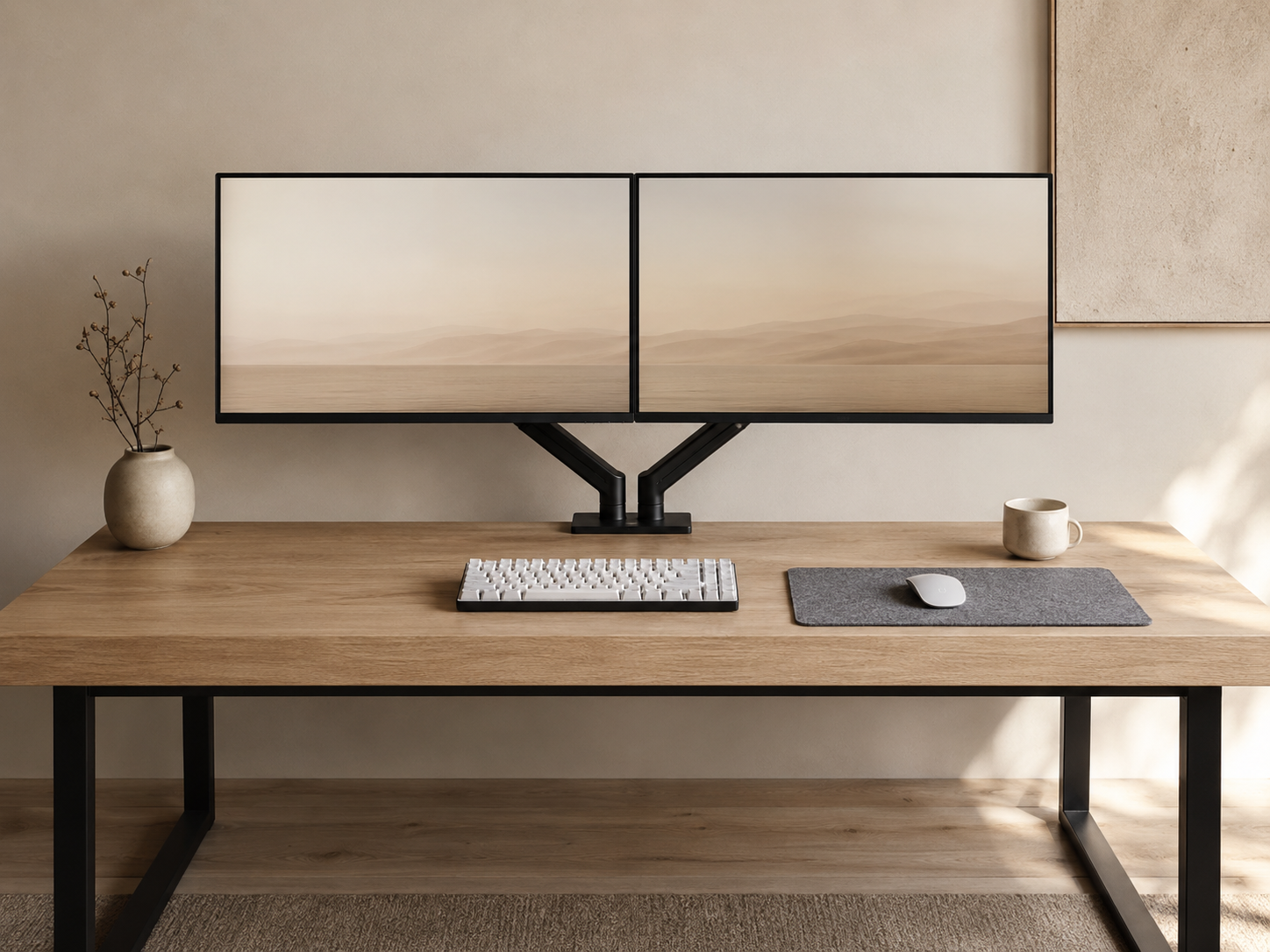
Dual Monitor Minimalist
Two screens for productivity with the discipline of matched brand, matched height, matched cable color. Most dual monitor setups look cluttered because the screens are mismatched. Matching pairs read as one composed surface, not two appliances. Monitor height should be at eye level for comfort.
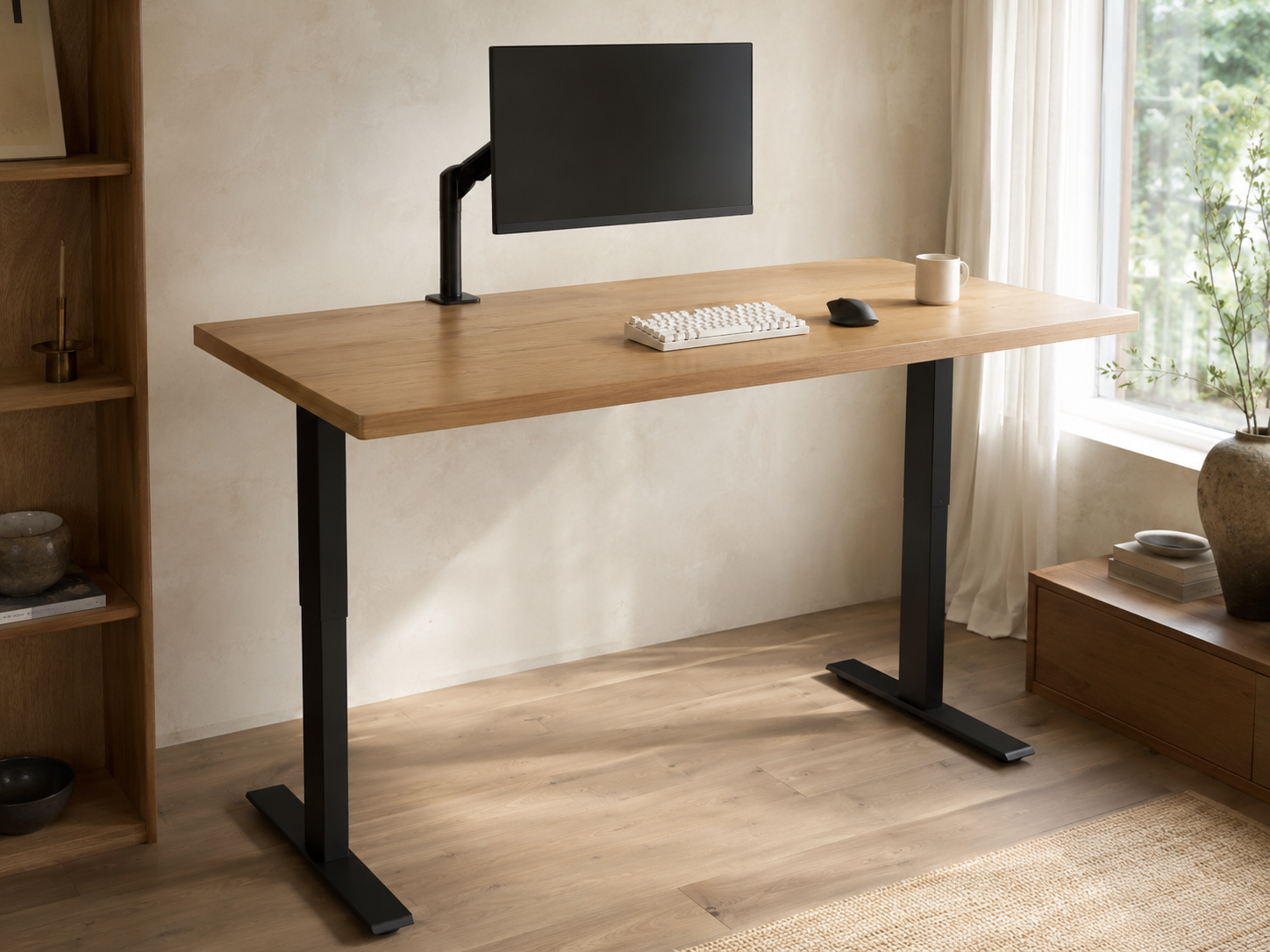
Standing Desk Minimalist
A height-adjustable desk with everything on top kept to the essentials. Using a standing desk can promote healthier posture, and a height-adjustable desk promotes healthier posture by encouraging movement throughout the day. Proper desk height is crucial for reducing strain — alternate between sitting and standing rather than committing to either full-time.
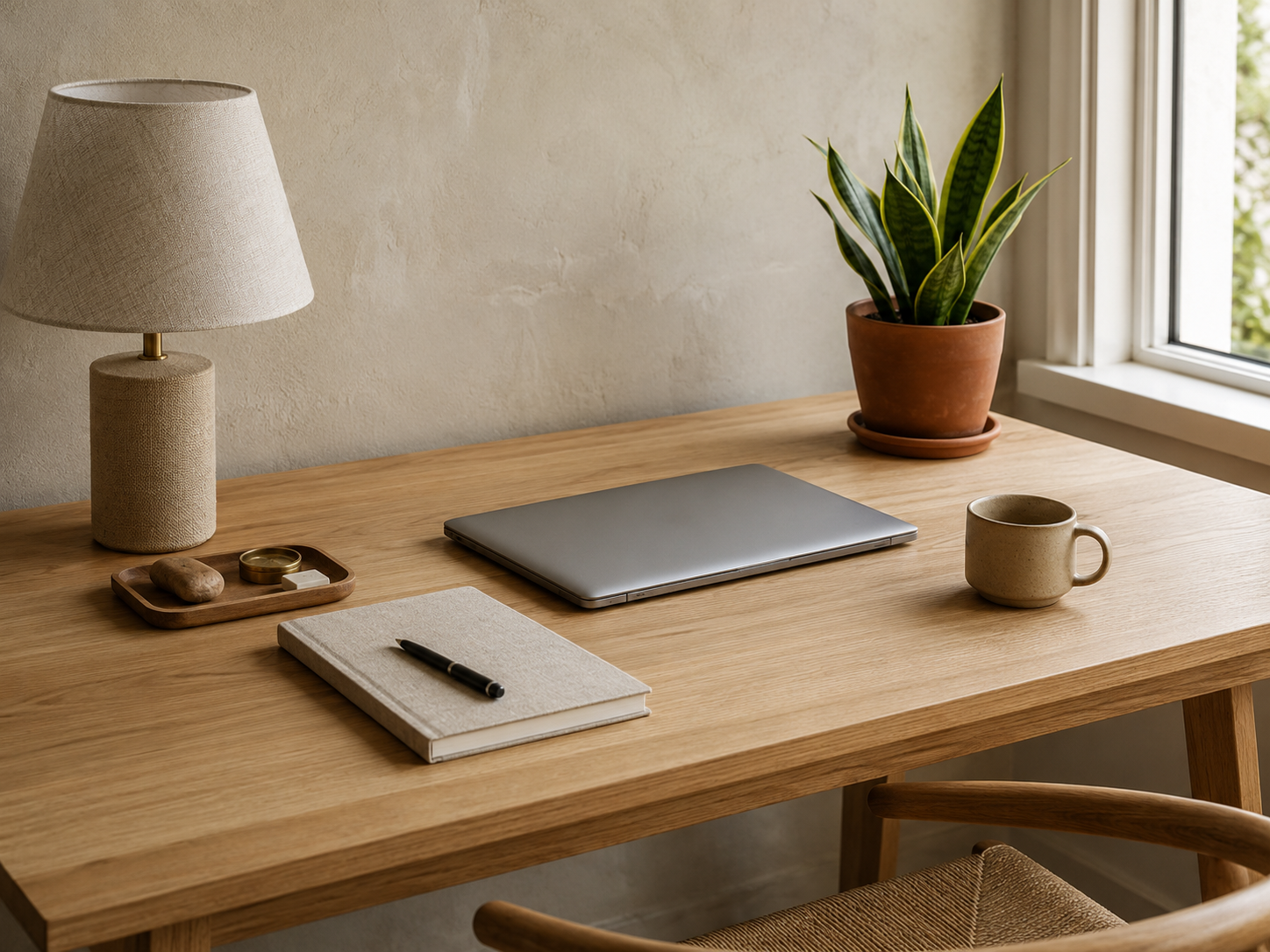
Natural & Scandinavian Minimalist
Wood, plants, fresh air, natural light. Scandinavian minimalism emphasizes clean lines and natural materials. The desk itself has straight lines and angles; the organic elements break them up just enough to keep the room from feeling sterile. Natural elements in desk setups create a calming atmosphere, and natural elements like plants enhance a minimal desk setup with texture the geometry lacks.
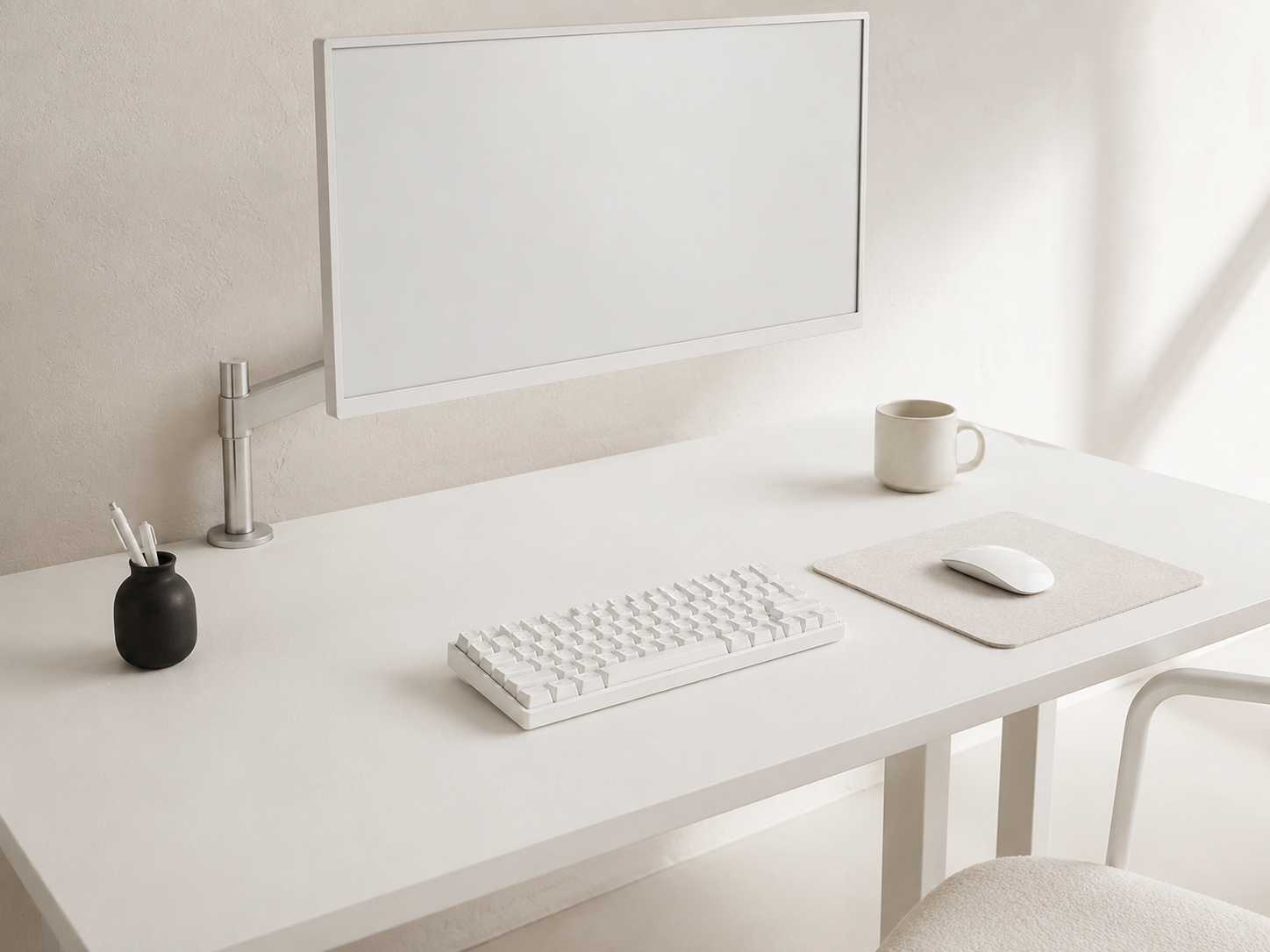
Monochrome Minimalist
Single-color theme across every visible piece — all white, all black, or all warm grey. Monochrome setups use single color themes for cohesion. Fewer colors reduce visual noise, and the setup photographs well for sharing. The risk is sterility — add one wood tray or fabric mat to introduce texture without breaking the palette.
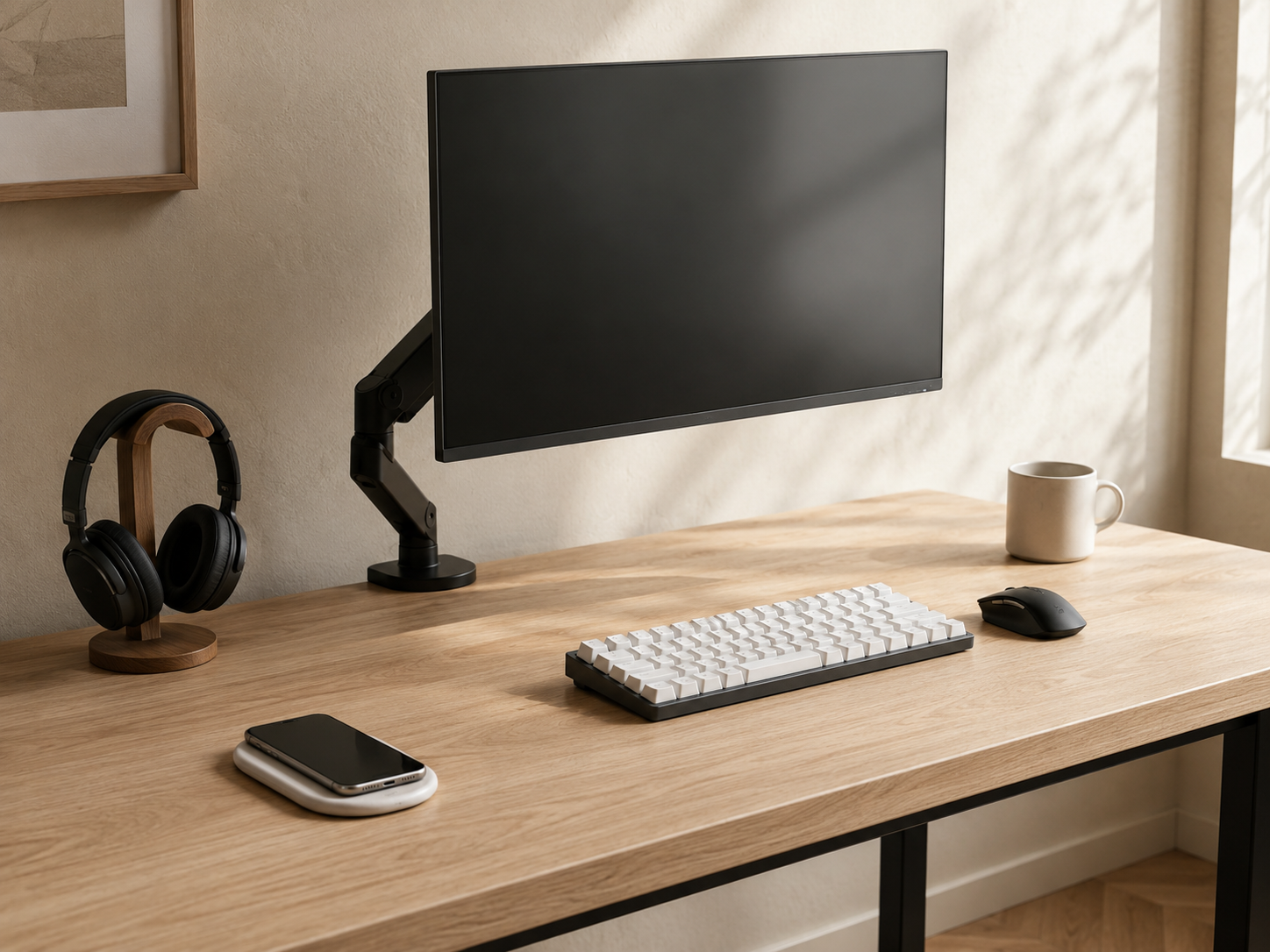
Wireless Minimalist
Wireless peripherals eliminate visible cords — keyboard, mouse, headphones, charging pad. The only visible cables are power and monitor, and even those route through grommets out of sight. Modern wireless gear has closed the latency gap for everything except competitive gaming, so productivity setups get a clean visual payoff with no real performance cost.
Six pieces of gear that survive the minimalist test
Every piece below earns its place by solving a specific problem the minimalist aesthetic creates — not by adding to the surface count.
Some links in this section are affiliate links. If you buy through one of them, we may earn a small commission at no extra cost to you. We only recommend gear we'd use ourselves.
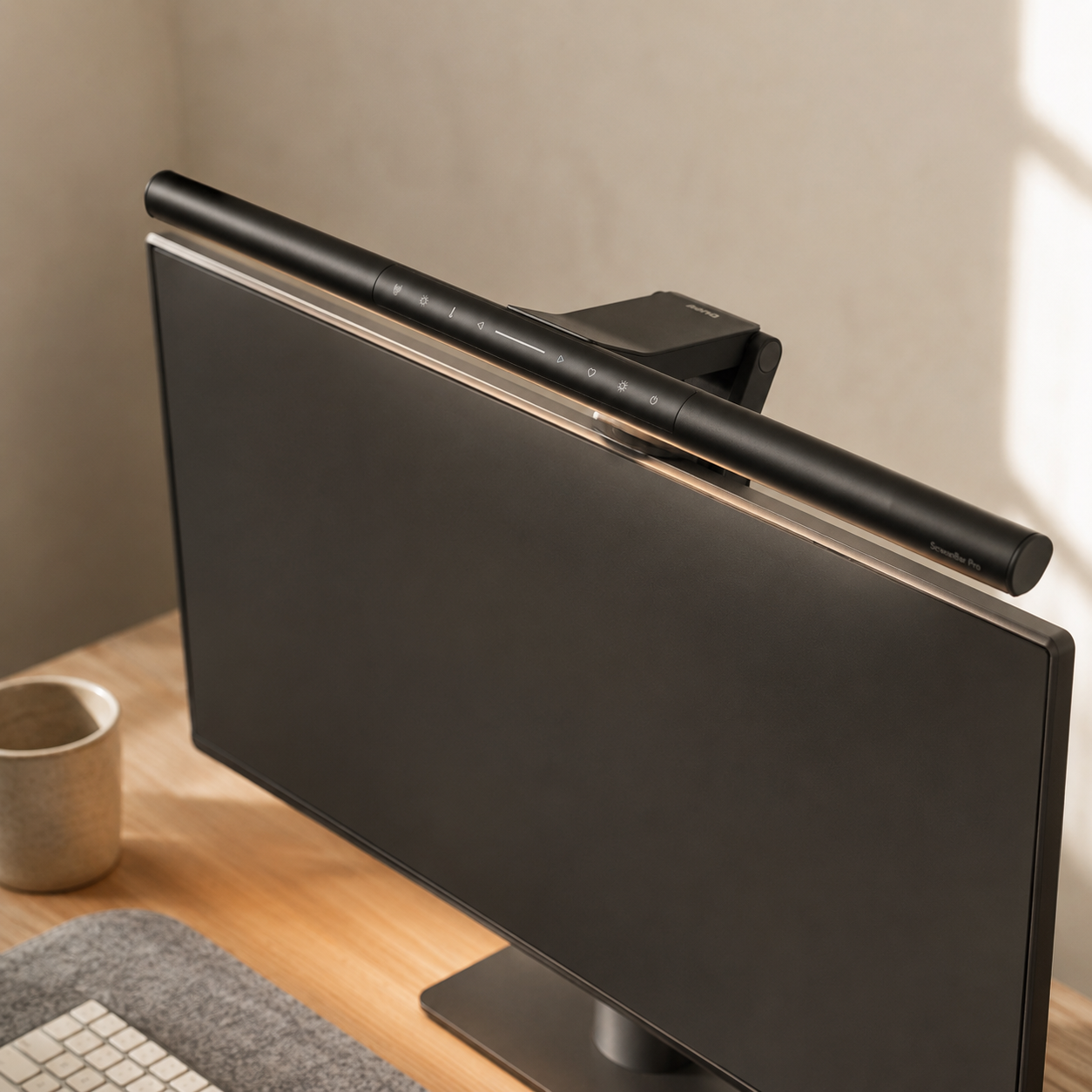
BenQ ScreenBar Pro
Clamps to the top of the monitor and lights the desk surface without glare on the screen. The cleanest task-lighting solution for any minimalist desk — no base, no stem, no shadow on the keyboard. Good lighting is crucial for a productive workspace, and this is the lamp that finally gets it right.
- Auto-dims based on ambient light
- Asymmetric beam avoids screen reflection
- Adjustable color temperature 2700-6500K
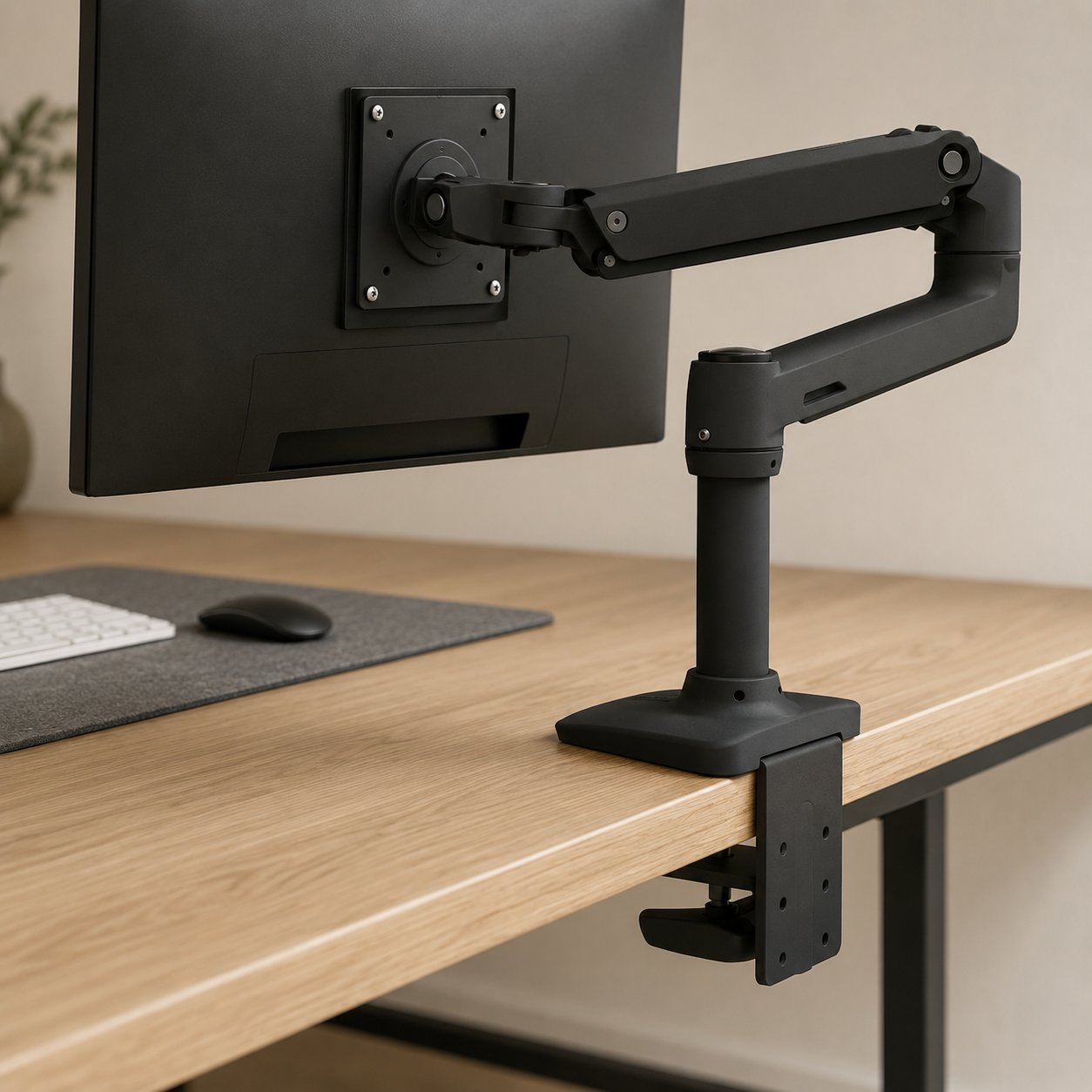
Ergotron LX Monitor Arm
Lifts the monitor off the desk surface entirely, reclaiming the desk footprint and letting the monitor float at exactly the right height. The single biggest upgrade to a minimalist setup after the monitor itself. Sturdy enough to hold its position over years of adjustment.
- Holds monitors up to 34″ / 25 lbs
- Smooth articulation, holds its position
- Clamp or grommet mount included
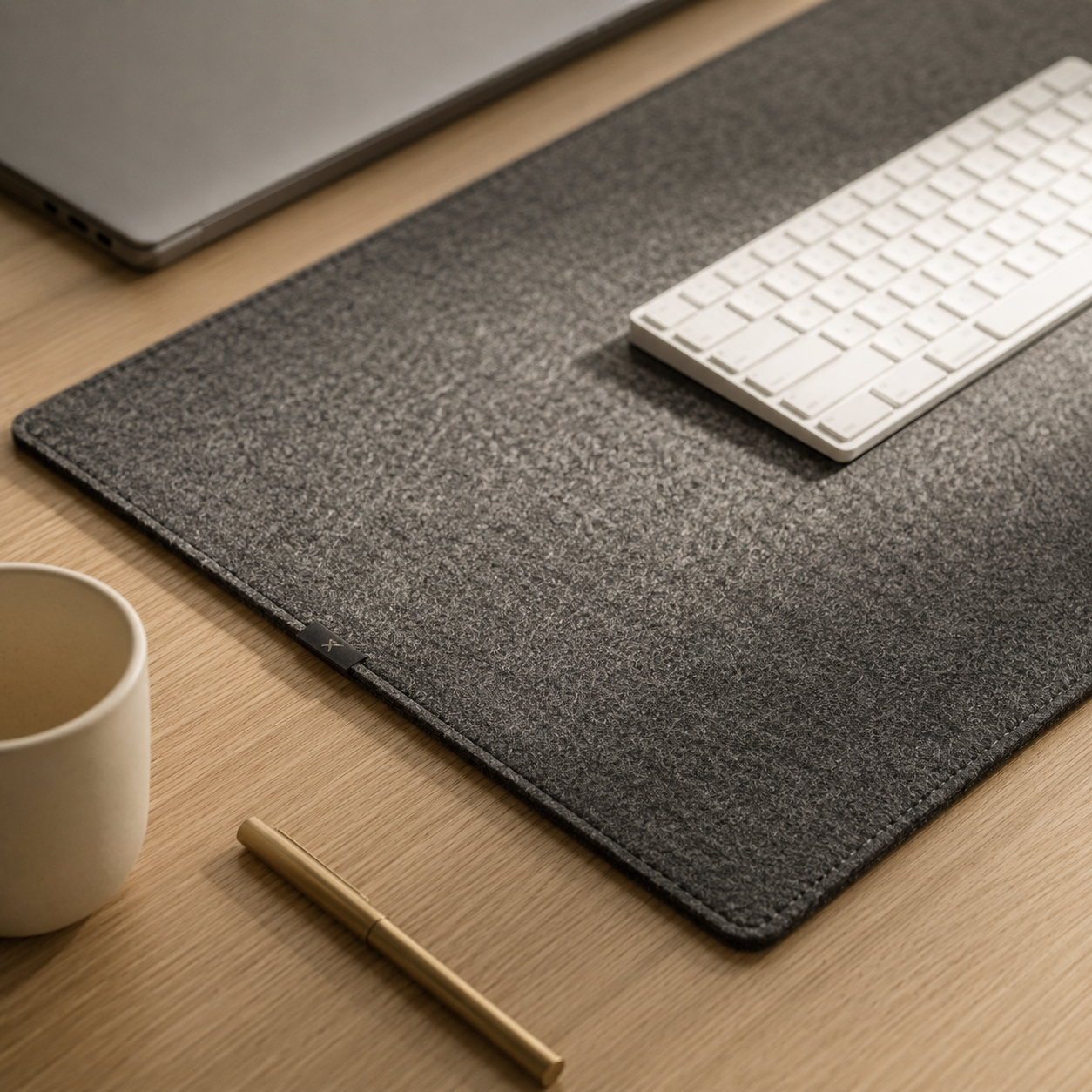
Grovemade Wool Felt Desk Pad
A thick wool felt mat that defines the workspace and unifies every accessory on top. Adds one consistent material across keyboard, mouse, and notebook — the kind of detail that quietly elevates the whole setup. Available in warm gray, sand, and oat tones that suit any palette.
- 100% wool felt, 4mm thick
- Multiple sizes and warm-tone colors
- Dampens keyboard noise as a bonus
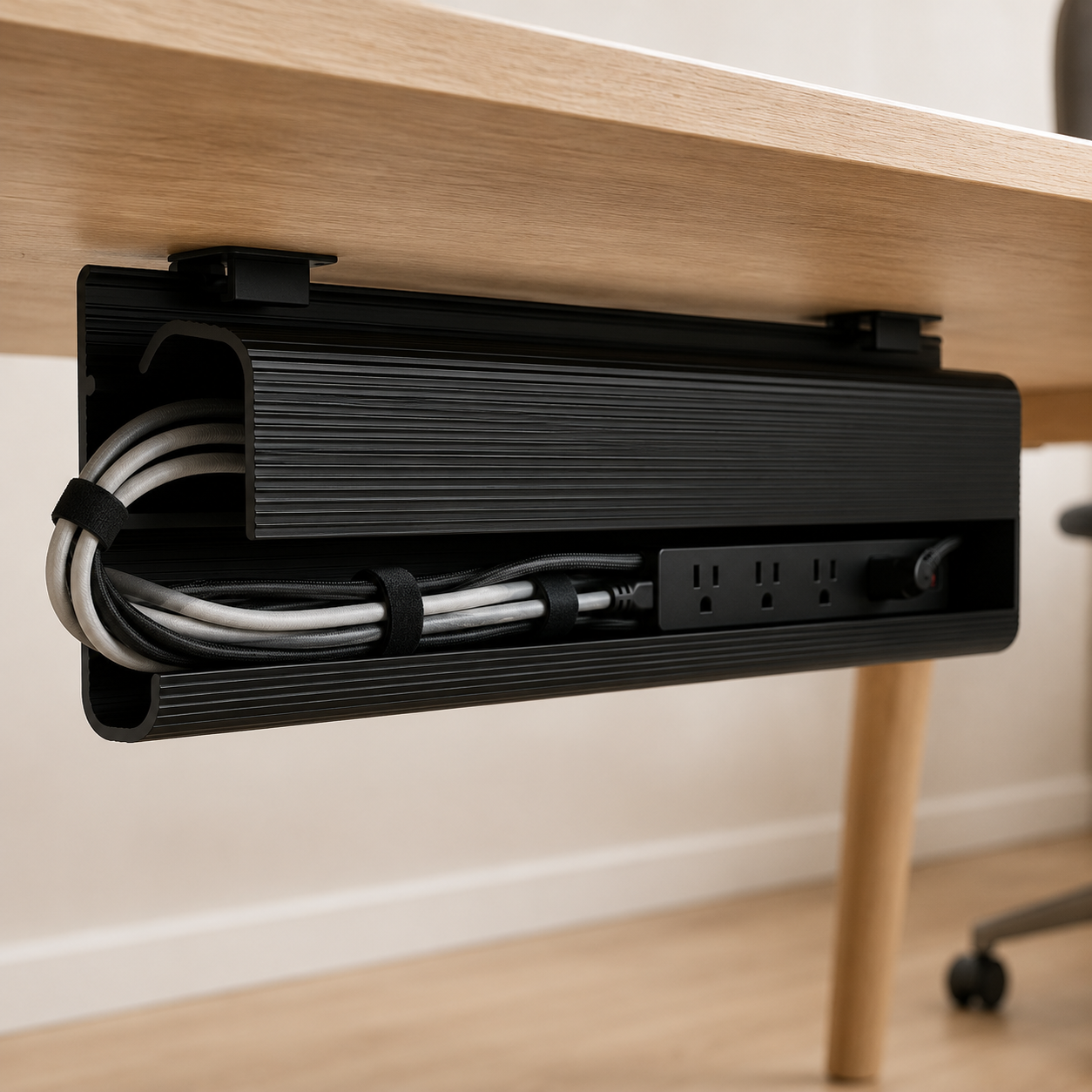
EVEO Under-Desk J Channel Cable Tray
Mounts to the underside of the desk and hides every cable, power strip, and adapter out of sight. The unsexy purchase that does more for the minimalist aesthetic than any visible accessory. Self-adhesive backing means no drilling required.
- 96 inches of channel coverage
- Self-adhesive, no drilling needed
- Holds power strips, hubs, and cable bundles
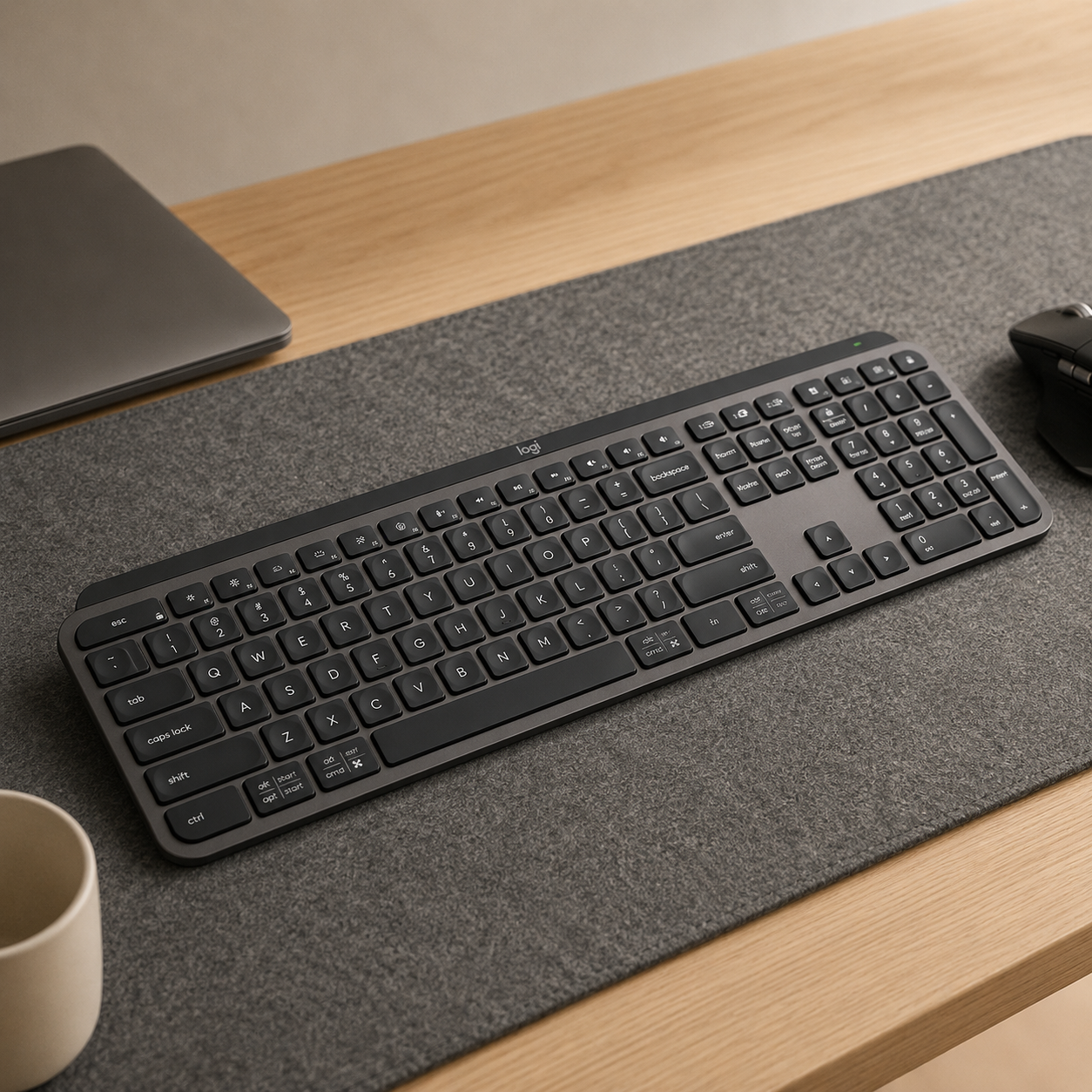
Logitech MX Keys
Slim profile, low-profile keys, exceptional typing feel for a non-mechanical keyboard. Wireless via Bluetooth or USB receiver. The keyboard most minimalists settle on after cycling through three or four others, because it disappears into the desk while still being a joy to type on.
- Backlit keys with proximity sensor
- Connects to three devices simultaneously
- Rechargeable, 5-month battery life
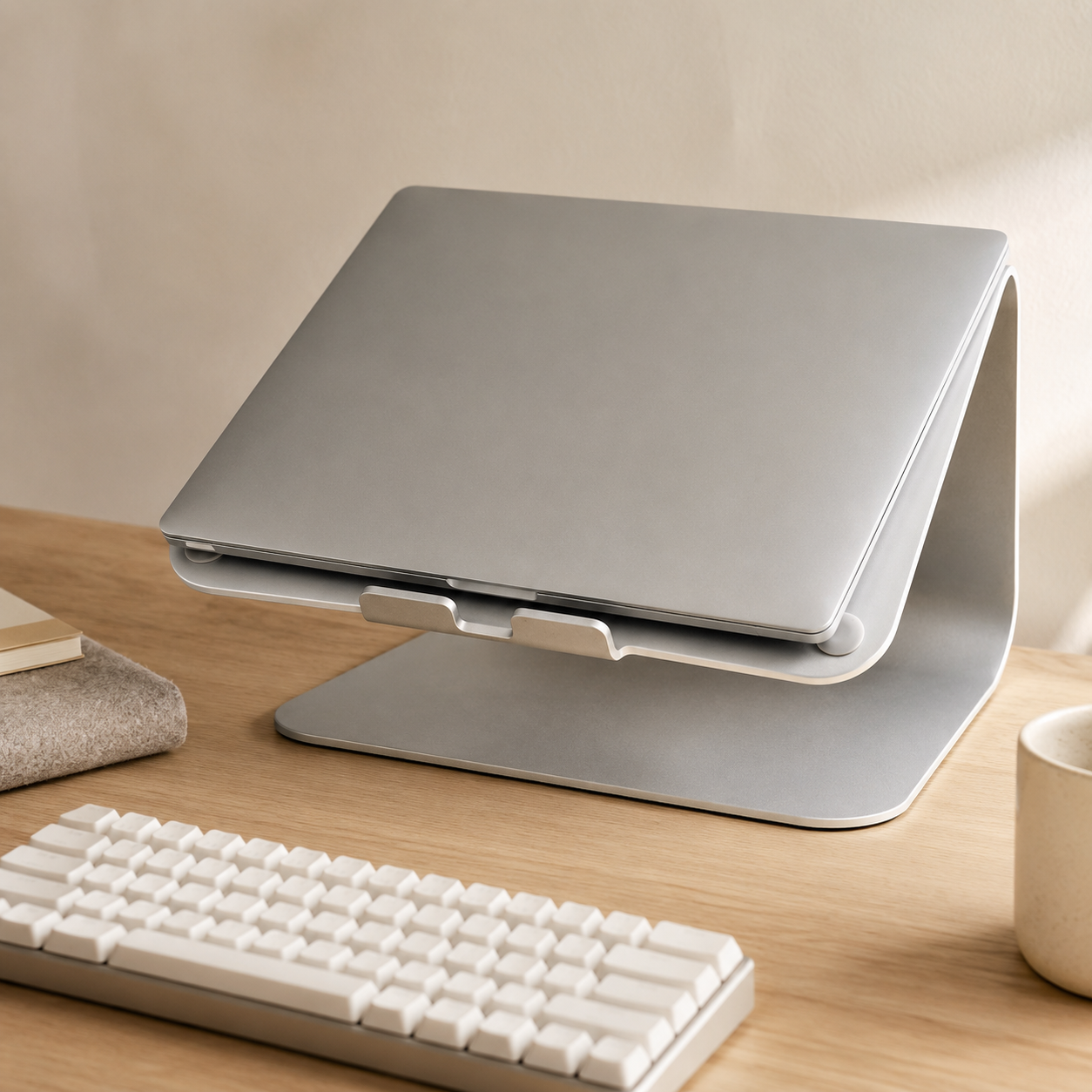
Rain Design mStand
A single piece of cast aluminum that elevates a laptop to monitor height with no moving parts and nothing to adjust. The minimalist laptop stand — it does one thing, does it well, and disappears beneath the laptop completely. Pairs perfectly with the MX Keys for a clamshell-style setup.
- Single-piece cast aluminum, no assembly
- Raises laptop screen to ergonomic height
- Cable management slot built in
Four ways minimalist desks go wrong
Most non-minimalist desks aren't failing on object count — they're failing on these four predictable mistakes. Catch them and the setup straightens itself out.
- 01
Calling a desk minimalist while the cables show
Cables are the single biggest visual giveaway. A desk with two monitors, a clean surface, and a tangle of wires behind it isn't minimalist — it's incomplete. The work isn't done until the cables are hidden. An afternoon with a J channel tray and some velcro ties is more impactful than another piece of gear.
- 02
Mixing too many materials
Wood plus steel plus plastic plus aluminum plus fabric is five materials. Minimalist desks have two or three. The setup that looks composed in photos almost always uses fewer materials than the cluttered version — the variety isn't adding richness, it's adding noise.
- 03
Following photo-minimalism instead of work-minimalism
A desk with only a laptop and a notebook photographs beautifully and fights every task that requires reference, a second monitor, or notes spread out. Build for how you actually work, not for the shot. The most-photographed minimalist desks on social media are often the least-functional.
- 04
Treating minimalism as a one-time setup
A minimalist desk requires daily maintenance — a 60-second reset at end of workday. Without it, the desk accumulates. The setup that photographed clean on Monday won't be clean by Thursday without the routine. Minimalism is a habit, not a product.
Minimalist desk questions, answered
What makes a desk setup minimalist?
A minimalist desk setup keeps only the tools you use every day on the surface, hides cables, sticks to a consistent material palette, and resets to a clean state at end of every workday. It's not about owning the fewest objects — it's about whether each object earns its place. Minimalist designs focus on functionality and simplicity, not absence.
What do I actually need on a minimalist desk?
A minimal desk setup includes only essential items: a laptop or desktop, a screen or monitor, a comfortable keyboard and mouse, good light, and a small notebook and pen for quick notes. A laptop or desktop is essential for a minimalist desk, and a comfortable keyboard and mouse enhance functionality. Everything else lives in a drawer until you need it.
How do I keep a desk minimalist long-term?
Daily reset. End of workday: papers stowed, peripherals in place, chair pushed in, surface wiped. A quick reset at the end of each workday keeps the mess from building up by morning. The setup that resets nightly stays minimalist for years; the one that doesn't accumulates within weeks.
Should a minimalist desk be wireless?
Wireless peripherals eliminate visible cords and make the setup look cleaner, but they're not required. The real principle is hidden cables, not eliminated ones — a wired keyboard with a cable that runs through a grommet and ties to the underside of the desk is just as clean as a wireless keyboard. Pick wireless if you value zero-cord aesthetics; pick wired if you value reliability over charging.
Can I have a minimalist desk in a small space?
Yes — small spaces actually favor minimalist setups. Compact desks are ideal for small spaces and minimal clutter. Wall shelves can help keep a compact desk clear, and you can maximize vertical storage by utilizing floating shelves or drawer organizers. The constraint of a small footprint enforces the discipline that minimalism requires. The hardest space to keep minimalist is a large desk with too much surface to fill.
What's the best lighting for a minimalist desk?
A single task lamp positioned to light the work surface, plus bias lighting behind the monitor. Lighting should avoid harsh overhead lights and create a focused pool of illumination. Good lighting is crucial for a productive workspace — most minimalist desks fail at lighting before they fail at anything else. Overhead-only lighting puts glare on the screen and shadows on the keyboard.
The best new setups, in your inbox
One thoughtful email. No spam, no fluff.